Manage monitors in code
Use the REST API to create and manage HTTP monitors. Connect monitoring setup to your internal tooling.
Monitoring that fits your stack. Manage monitors through the API, route alerts to the tools your team uses, and send events to your own endpoints.
Free tier included. No credit card required.
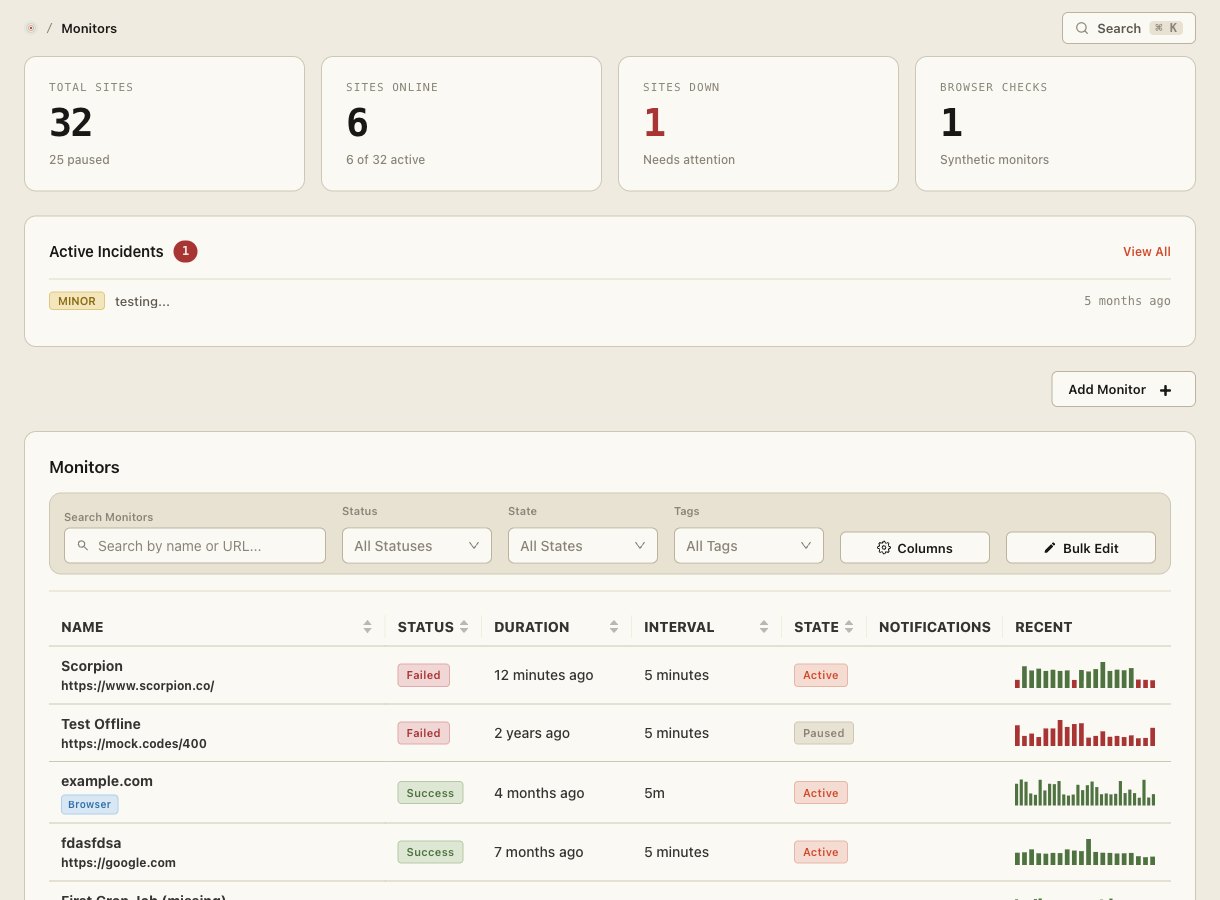
Keep your monitoring close to the rest of your workflow. Start with a notification channel, then automate the parts that repeat.
Use the REST API to create and manage HTTP monitors. Connect monitoring setup to your internal tooling.
Route notifications to Slack, Discord, Microsoft Teams or Telegram, alongside email and other supported channels.
Send JSON notifications to an HTTPS endpoint you control and handle them in your own systems.
Build around your monitoring, not around another manual checklist.
Create and update HTTP monitors through the REST API. Use your integration to keep endpoint configuration aligned with the services you run.
Consult the API documentation for authentication and the complete request schema.
Connect a supported channel and assign it to a notification group. Keep alerts close to the conversations where your team responds.
Channel setup is managed in your account. No new inbox required.
Use an HTTPS webhook destination when your workflow needs a custom handler. Review the webhook documentation before wiring it into production.
Keep receiver validation and event handling in your own application.
Visit docs.siteqwality.com for product and API documentation. Use the documented authentication and request schema for each endpoint.
Supported channels include Slack, Discord, Microsoft Teams and Telegram. Dedicated integration pages cover the setup for each.
Yes. Use the REST API for supported resource operations and webhooks to send notifications to your own HTTPS handler.