Schedule-aware alerting
Tell us when a job is supposed to run. If the ping doesn't arrive within the grace period, an incident opens automatically.
Heartbeat & dead-man's-switch monitoring for every scheduled task: cron, ETL pipelines, backups, and queue workers. If a run is late, missed, or exits non-zero, your team finds out before the data does.
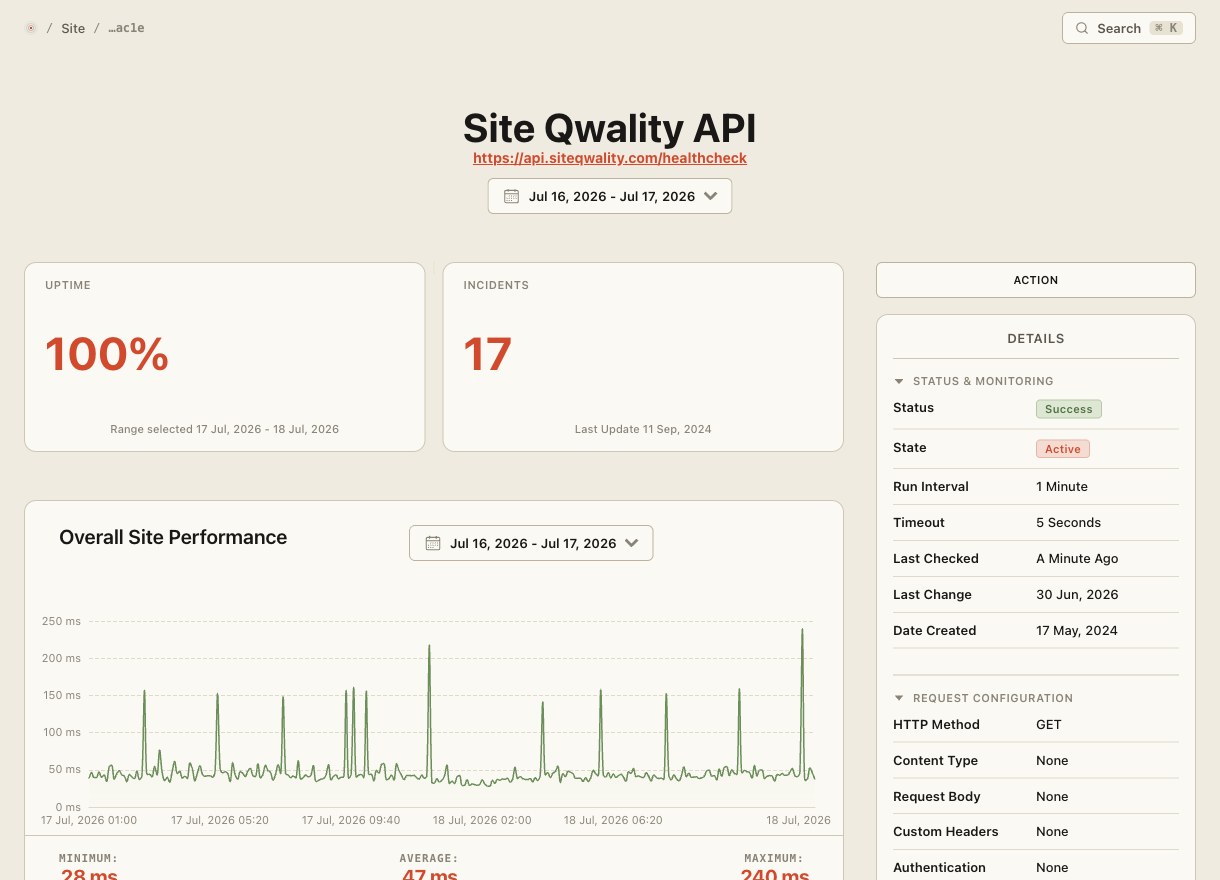
Uptime checks work by making HTTP requests. Scheduled jobs work the other way round. They call home when they succeed. Site Qwality gives each job a unique ping URL; silence means something went wrong.
Tell us when a job is supposed to run. If the ping doesn't arrive within the grace period, an incident opens automatically.
Add a configurable buffer after the scheduled time before alerting. It accounts for queue depth variance without missing real failures.
Pipe your job's exit code and run duration to the ping URL. Alert on non-zero exits or runs that exceed an expected ceiling.
Separate alert types for jobs that never start versus jobs that start but don't finish, so triage starts with the right context.
A plain HTTPS GET or POST to a URL with no SDK required. Works from bash, Python, Node, Ruby, Go, or anywhere else you can make a request.
A timeline of every ping, duration, and exit code so you can spot drifting run times before they become missed windows.
Traditional monitoring checks that your service responds. Cron monitoring inverts that: your job signals success on every run. A missed signal is itself the alert. There's no polling, no log scraping, no agent to maintain.
No SDK, no daemon, no config file. Copy the ping URL from your dashboard and append a curl call to your existing script. The exit-code and duration parameters are optional, so add them when you want richer alerts.
line of code to integrate any scheduled job
outcomes recorded for every expected run: success or failed
run history retained for trend analysis
free tier, no credit card needed to start
Each monitor gets a unique ping URL. Your job calls that URL when it completes successfully. If the ping doesn't arrive within the expected window plus grace period, Site Qwality opens an incident and alerts your team.
Set a grace period, a buffer window after the scheduled time before an alert fires. For jobs with variable runtime, you can also set a maximum duration threshold so you hear about runs that are taking too long.
Yes. Append ?exit=\$? to the ping URL to record the exit code, and ?duration= to record elapsed seconds. Non-zero exits trigger their own alert type so you know whether a job never ran or ran and failed.
No. The integration is a single HTTPS request: a curl command, a fetch() call, or equivalent in any language. No daemon, no agent, no code dependency to maintain.
Yes. Schedules can be set to any interval from every minute upward. The expected schedule uses standard cron syntax so you can express any cadence precisely.
Uptime, cron, synthetic, logs, RUM, incidents, and status pages. Free tier on every product.