JSON payload on every event
Receive a structured JSON body with the monitor id, the status, the URL that was checked, the HTTP code, the failure reason and the per-phase timing on every down and recover event.
Send a signed JSON payload to any HTTPS endpoint when a monitor fires: customisable fields, automatic retries with exponential backoff, and delivery logs so you can debug every event.
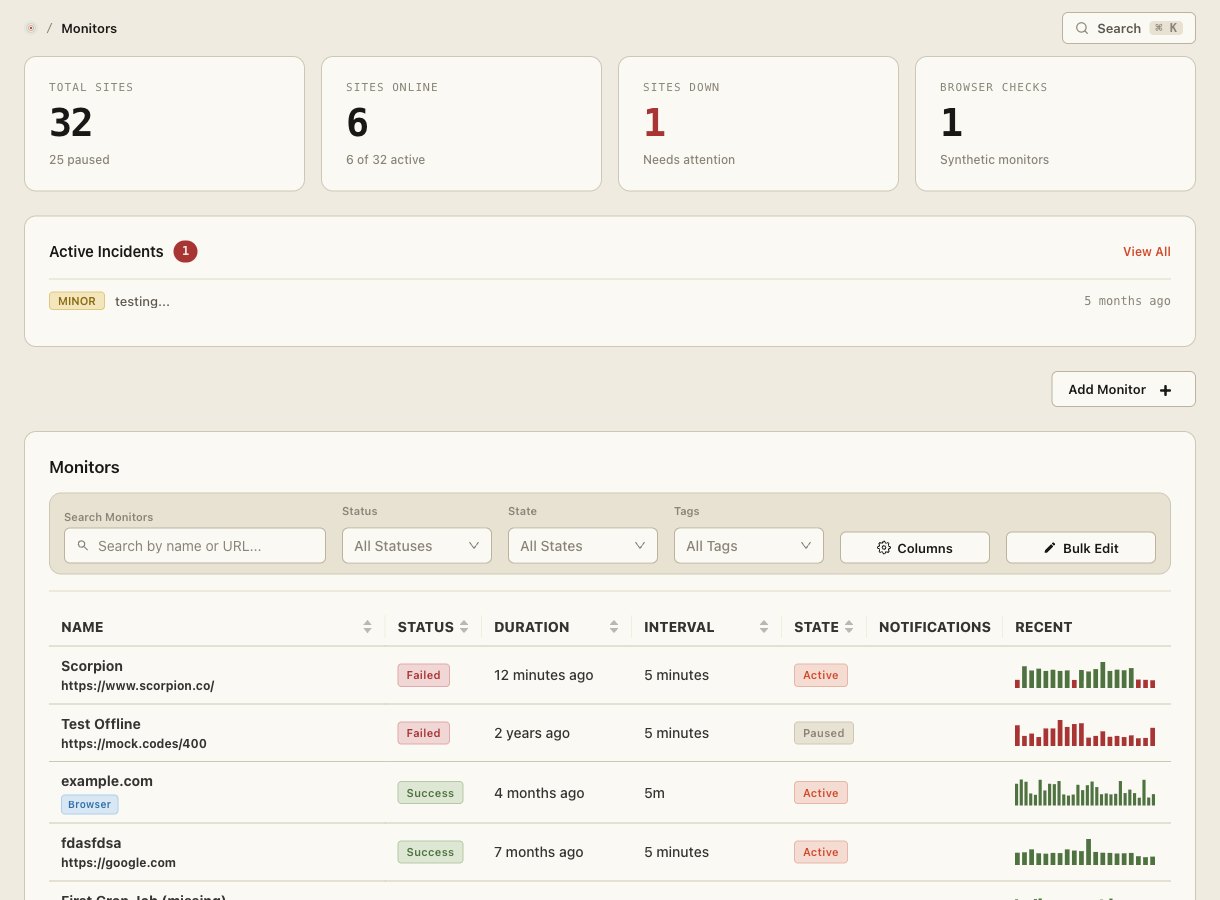
Webhooks are the universal integration primitive. Whether you're routing alerts into a homegrown incident tool, creating Jira tickets, or feeding a Datadog event stream, the webhook endpoint is where Site Qwality hands off to your systems.
Receive a structured JSON body with the monitor id, the status, the URL that was checked, the HTTP code, the failure reason and the per-phase timing on every down and recover event.
Every delivery includes an X-SiteQwality-Signature header. It is an HMAC-SHA256 over the delivery id, the timestamp and the raw request body, joined with full stops, keyed with your endpoint's signing secret. The timestamp is inside the signature, so a captured delivery cannot be replayed against you.
A failed delivery is retried with exponential backoff, up to five retries over 30 minutes, before it is marked failed. That is six deliveries in total: the first attempt and five retries.
Choose which fields appear in the payload, add custom metadata, or filter events by severity so your receiver only handles what it needs.
Every delivery is logged with the request we sent, the response status code, an extract of the response body and how long it took. Records are kept for 30 days. Read them and replay any delivery through the API.
Send the same event to multiple endpoints: route one alert to a PagerDuty webhook and a custom audit log service simultaneously.
If your endpoint is unreachable or returns a 5xx, Site Qwality retries at 10 seconds, 30 seconds, 2 minutes, 8 minutes and 30 minutes after the first attempt. A 4xx is not retried: if your endpoint returns 404 we tell you rather than sending the same request five more times. Every attempt is logged with the HTTP status.
The payload is the check result itself, under a data key: the monitor
id, the status, the URL that was checked, the HTTP code, the failure reason, the
timestamp, and the per-phase timing breakdown. Enough to create a ticket or
route an on-call page with no follow-up API calls.
The signature covers {delivery_id}.{timestamp}.{raw request body},
not the body on its own. Both the id and the timestamp arrive as headers, and both
are inside the MAC: the id because it is your dedupe key, the timestamp because a
signature without one is replayable forever. Check staleness before you check the
MAC, and compare in constant time.
retries before a delivery is marked failed
webhooks on every plan, including free
every delivery logged with the full request and an extract of the response
request timeout on every delivery attempt, after which we give up on that attempt
The signed string is {delivery_id}.{timestamp}.{raw request body}, joined with full stops, and the header value is v1= followed by the hex HMAC-SHA256 of that string under your endpoint's signing secret. The secret is used exactly as shown to you, with no base64 decoding and no prefix stripping. The delivery id and the timestamp arrive in X-SiteQwality-Delivery and X-SiteQwality-Timestamp, and both are inside the MAC. Signing over the body alone would leave a captured delivery replayable, which is why the sentence that used to sit here was wrong and would have produced a verifier that never matched. Check the timestamp is within five minutes before you check the MAC, and expect more than one space-separated v1= entry for the 24 hours after you rotate a secret. The snippet above this FAQ does all of it.
Seven events fire: monitor.down, monitor.recover, incident.created, incident.resolved, tls.expiring, dns.expiring and page_speed.degraded. All seven are on by default and you can filter them per endpoint, by event or by severity, so a receiver only handles what it needs.
Site Qwality retries at 10 seconds, 30 seconds, 2 minutes, 8 minutes and 30 minutes after the first attempt. Read those as offsets from the first attempt, not as gaps between retries: the last one lands exactly 30 minutes in. That is six deliveries at most, the first attempt plus five retries, and a delivery that has not succeeded 30 minutes after the first attempt is marked failed. You can then replay it from the delivery log.
Yes, through the API. The delivery log holds every attempt with the request we sent, the response status code, an extract of the response body and how long it took, for 30 days. A replay is a new delivery with a new id, a fresh timestamp and a fresh signature under your current secret, so it resends what was sent rather than what today's settings would produce.
Yes. Webhooks are included on every plan, including the free tier. There is no limit on the number of endpoints or deliveries on paid plans.
Uptime, cron, synthetic, logs, RUM, incidents, and status pages. Free tier on every product.