Core Web Vitals on a schedule
LCP, INP and CLS measured from a real browser each run, compared against Google's thresholds and your own custom budgets.
Scheduled Lighthouse-style audits from real headless browsers (desktop and mobile) track Core Web Vitals, resource waterfalls, and performance budgets over time so a slow deploy never reaches your users silently.
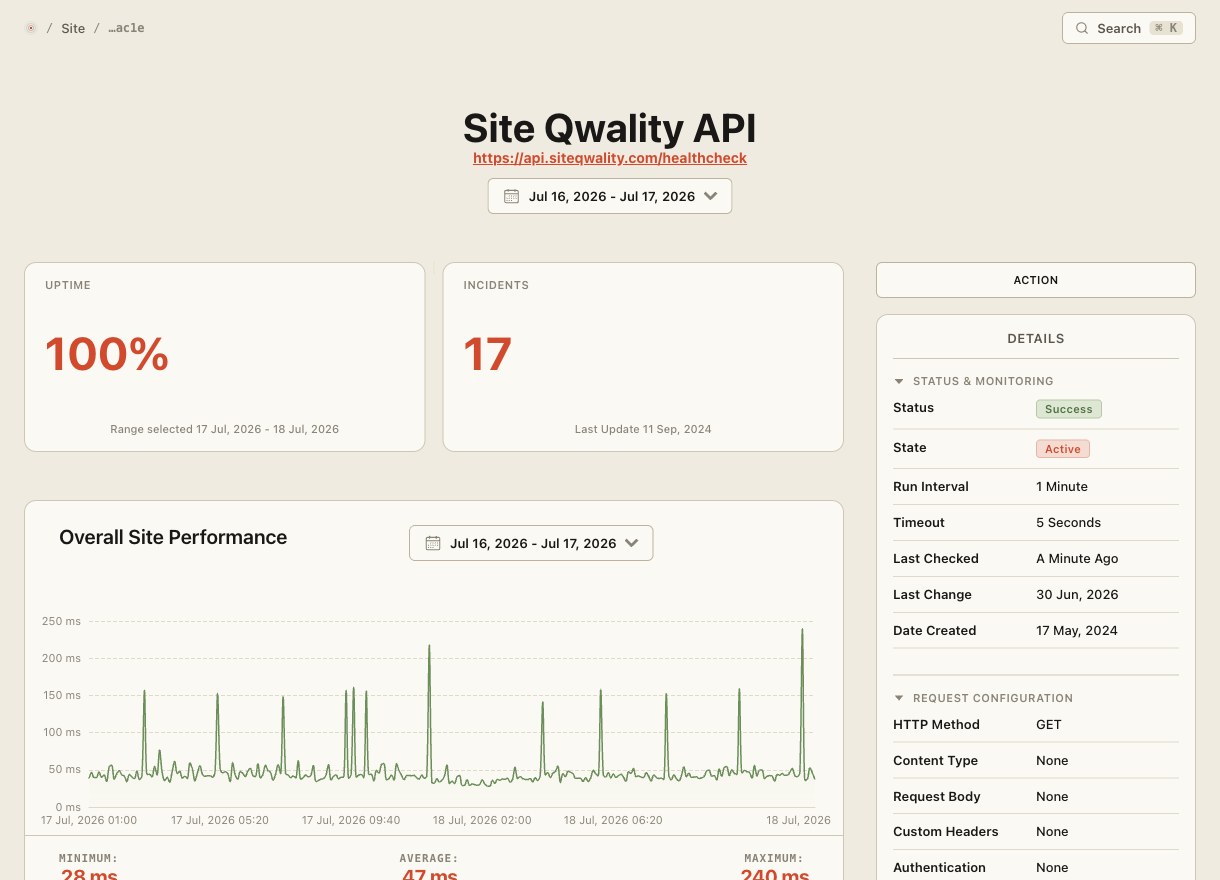
Every audit spins up a genuine headless browser, loads the page from scratch, and measures what your visitors actually experience, not just a ping to your server. Scores are stored so you can chart any metric across releases.
LCP, INP and CLS measured from a real browser each run, compared against Google's thresholds and your own custom budgets.
Each audit runs under both a full desktop viewport and a throttled mobile profile so regressions on either device class are caught.
All scores and raw timings are stored historically so you can chart regressions over days, weeks, or between specific deployments.
Drill into every request the page made (size, timing, cache headers) to pinpoint which asset dragged the score down.
Define pass/fail thresholds for LCP, TTI, total weight, or script size; an alert fires the moment any audit breaches a budget.
Route score-drop alerts to Slack, Teams, email, or any webhook so the engineer who shipped the change hears about it immediately.
Speed tools that rely on HTTP-only measurements miss JS execution, render-blocking resources, and layout shifts that define real user experience. Site Qwality boots a genuine headless browser for every run, so the Lighthouse score you see is the score your users experience.
Set a hard ceiling for LCP, total page weight, or JS bundle size via the dashboard or the API. The monitor fails the moment a deploy crosses the line, and the alert reaches whoever is on call before any user notices.
Core Web Vital and Lighthouse metrics tracked per run
audits per run: desktop and mobile simultaneously
typical time from deploy to regression alert
free tier, no credit card needed to start
Site Qwality runs audits on a schedule, stores every result, trends them over time, and fires alerts when scores regress. A one-off Lighthouse run tells you where you are today. Scheduled audits tell you the moment something changes.
Every audit captures LCP, INP, CLS, FCP, TTI, TBT, and Speed Index, plus total page weight, request count, and a full resource waterfall. Lighthouse scores for Performance, Accessibility, SEO, and Best Practices are also recorded.
Yes. You can supply HTTP Basic Auth credentials or define a pre-authentication script that logs in before the audit, so protected pages are tested exactly as signed-in users see them.
You set a warn threshold and a fail threshold for any metric. If an audit breaches the fail threshold the monitor is marked failed and an alert fires. If it only reaches the warn level you receive a warning so you can investigate before the problem worsens.
The minimum cadence is once per hour on paid plans and once per day on the free tier. High-traffic pages like checkout can be audited more frequently than lower-priority marketing content.
Uptime, cron, synthetic, logs, RUM, incidents, and status pages. Free tier on every product.