Full REST API coverage
Every resource (monitors, alerts, incidents, status pages, schedules) is available via a consistent REST API with JSON request and response bodies.
A full REST API for every platform resource: create monitors, configure alert channels, manage status pages, and rotate API keys entirely through code or your existing CI/CD pipeline.
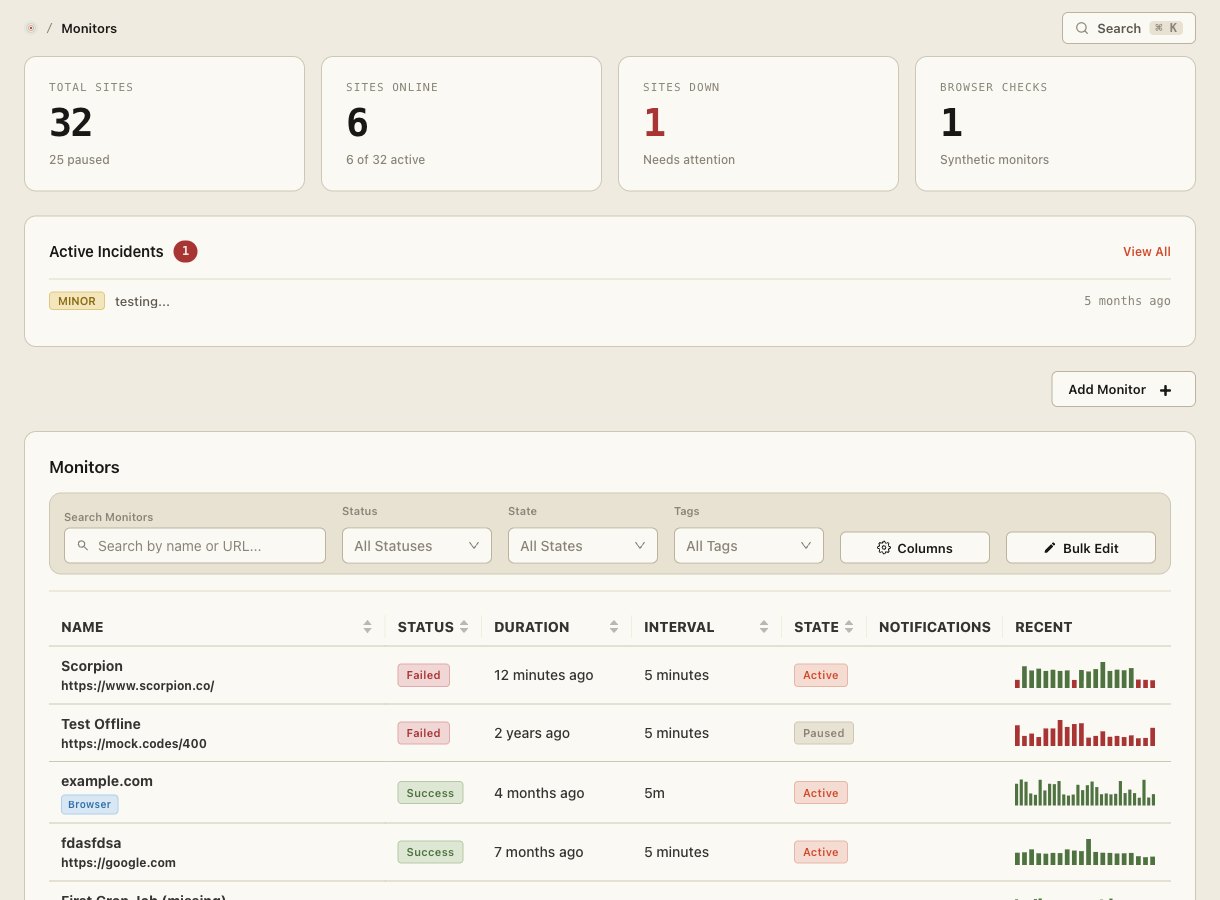
Site Qwality's REST API exposes every platform capability (monitors, alert rules, notification channels, on-call schedules, incidents, and status pages) so teams can automate provisioning without manual dashboard work.
Every resource (monitors, alerts, incidents, status pages, schedules) is available via a consistent REST API with JSON request and response bodies.
Create API keys with read-only, write, or admin scopes, restricted to specific resource types, so CI pipelines get least-privilege access.
Traces, metrics, and logs accepted over OTLP/HTTP and OTLP/gRPC alongside the REST control plane: one platform, one set of credentials.
Every API call is recorded with the API key, source IP, and resource touched, queryable from the dashboard or exportable to your SIEM.
Every webhook we deliver to your endpoint carries an HMAC-SHA256 signature header so your receiver can verify the payload before processing it. See Webhooks for the exact signed string.
We generate an OpenAPI 3.1 document from the route definitions themselves, so it cannot drift from the API it describes. Browse it at docs.siteqwality.com/api-reference.
Drop a curl in your CI step and every monitor, channel, schedule, and status
page is created the same way you ship the rest of your infrastructure. Use
terraform apply, GitHub Actions, or a shell script, whatever
runs your deploys today.
Create separate API keys for your CI pipeline (write:monitors only), your dashboarding tool (read:all), and your on-call rotation scripts (write:incidents). Revoke any key independently without disrupting others.
REST API endpoints covering every resource
traces, metrics, and logs accepted alongside the REST API
API access on every plan, including free
API requests per minute on standard plans
The full API reference is at docs.siteqwality.com. It includes request and response schemas, authentication details, and interactive examples for every endpoint.
Pass your API key as a Bearer token in the Authorization header: Authorization: Bearer sq_live_.... Create and manage keys under Settings → API Keys in the dashboard.
Point your existing OpenTelemetry exporters at the ingest endpoints (traces.siteqwality.com, metrics.siteqwality.com, and logs.siteqwality.com) using your API key as the authentication header. No proprietary SDK required.
Standard plans allow 600 requests per minute per API key. If you need higher throughput for large-scale provisioning, contact support to discuss limits for your use case.
Yes. API access is included on every plan, including the free tier. Scoped API keys work on all plans.
Uptime, cron, synthetic, logs, RUM, incidents, and status pages. Free tier on every product.