Sequential escalation levels
Add as many levels as your team needs. Each level has its own targets and timeout window. The policy advances automatically when an acknowledgment isn't received in time.
Define step-by-step policies that notify person A, wait, then notify person B or the current on-call responder, until someone acknowledges. Per-service policies, with configurable timeouts at every level.
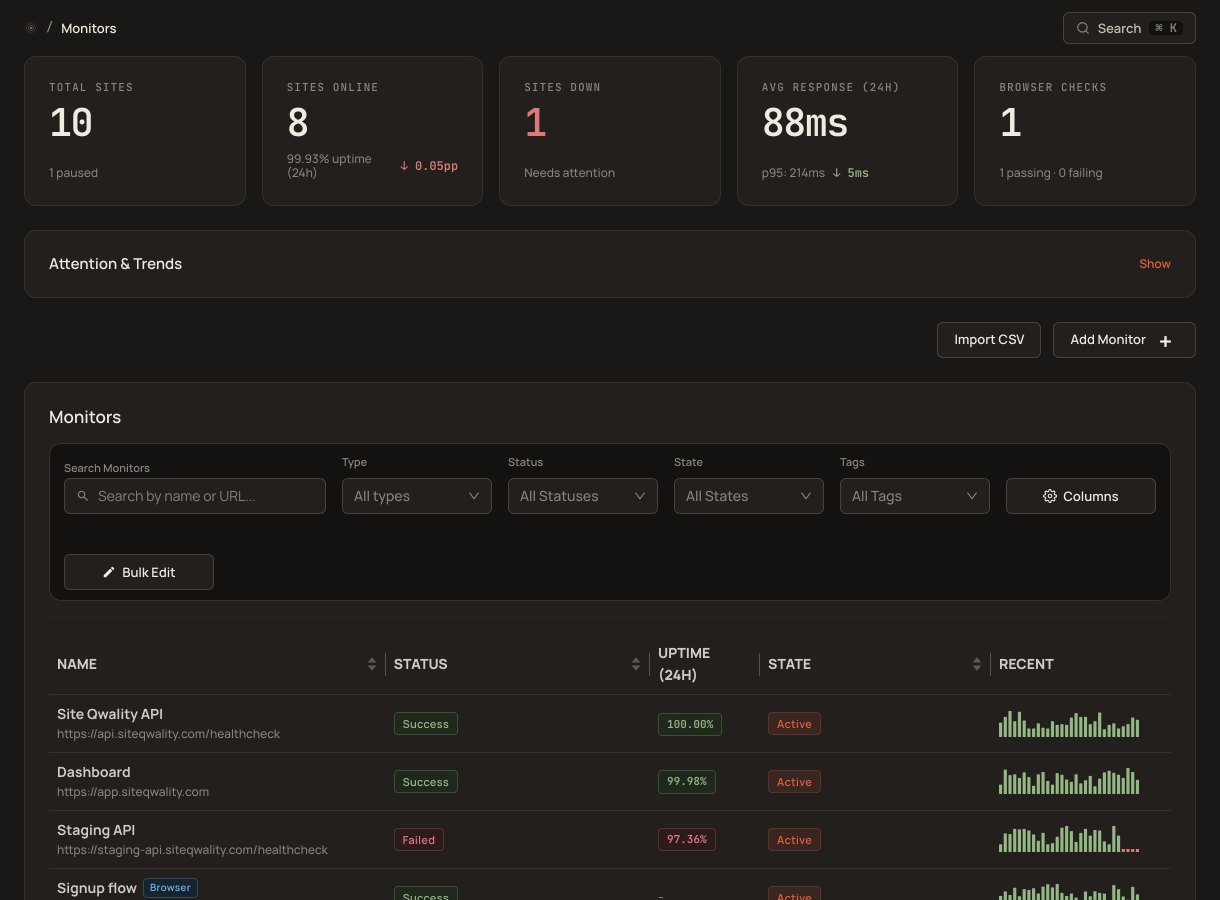
Critical alerts don't stop after one attempt. An escalation policy works through its levels methodically. It notifies each target, waits for a configurable timeout, then moves on, until the incident is acknowledged or the policy repeats.
Add as many levels as your team needs. Each level has its own targets and timeout window. The policy advances automatically when an acknowledgment isn't received in time.
Set the acknowledgment window independently for each level, from 1 minute to 24 hours: 5 minutes to the on-call engineer, then 10 minutes to the team lead, then the engineering manager.
Point any level at specific people, at on-call schedules, or both. When a schedule is targeted, the current on-call responder for that schedule is paged, whoever that is at the time.
Configure a repeat count, up to 20, so the entire policy restarts if all levels exhaust without acknowledgment.
Each service in your catalog can carry an escalation policy. Incidents on the payments service page the payments on-call; platform incidents page the platform team.
The incident record shows whether it has been acknowledged or resolved. A per-level escalation history is not available today.
Most alerting tools send a single notification and call it done. Escalation policies are different: they advance through levels automatically, accounting for silence, until the incident is acknowledged, or until the configured repeat limit is reached.
Assign an escalation policy to every service in your catalog and provision them all via the REST API: create the policy, then add each level with its timeout and targets. Drop the calls into a script in your repo and pull requests show you exactly which routing changed.
levels per policy, as many as your team needs
repeats of the whole policy at most, if nobody acknowledges
minimum configurable timeout between escalation levels
escalation policies on every plan; the free tier includes 1 responder
There is no hard cap on the number of levels. In practice, most teams use two to four levels (on-call engineer, team lead, then a manager), but you can add as many as your operational requirements demand.
If a policy is configured with a repeat count greater than zero, it restarts from level one and works through the levels again. This continues until the repeat limit (at most 20) is reached or someone acknowledges the incident.
Yes, and this is the recommended approach. Point a level at an on-call schedule and Site Qwality determines who is currently on call at the time the level fires. You never need to update the policy when rotations change.
Escalation respects each team member's personal notification rules, which use email, SMS or a Slack direct message. If a responder has configured SMS for high-urgency incidents and email for low-urgency ones, that preference is honoured when the escalation policy pages them. A Slack direct message needs a Slack bot token pasted into the contact method.
Yes. Each service in your catalog can point at its own escalation policy. Payments can have a tight policy; an internal tool can have a relaxed one. Changes take effect immediately.
Yes, by hand. There is no Opsgenie importer, so you recreate each schedule and escalation policy and point every level at a schedule instead of a person. Atlassian will shut Opsgenie off on April 5, 2027. The Opsgenie alternative page walks through the migration and lists what Site Qwality does not have.
Uptime, cron, synthetic, logs, RUM, incidents, and status pages. Free tier on every product.