Custom domain, zero friction
Point a CNAME at us and serve your status page from status.yourdomain.com, fully branded, with no Site Qwality footprint unless you want it.
Branded public status pages with a custom domain, component-level status, incident updates, and email subscriber notifications, automatically driven by your monitors so you never have to update it by hand.
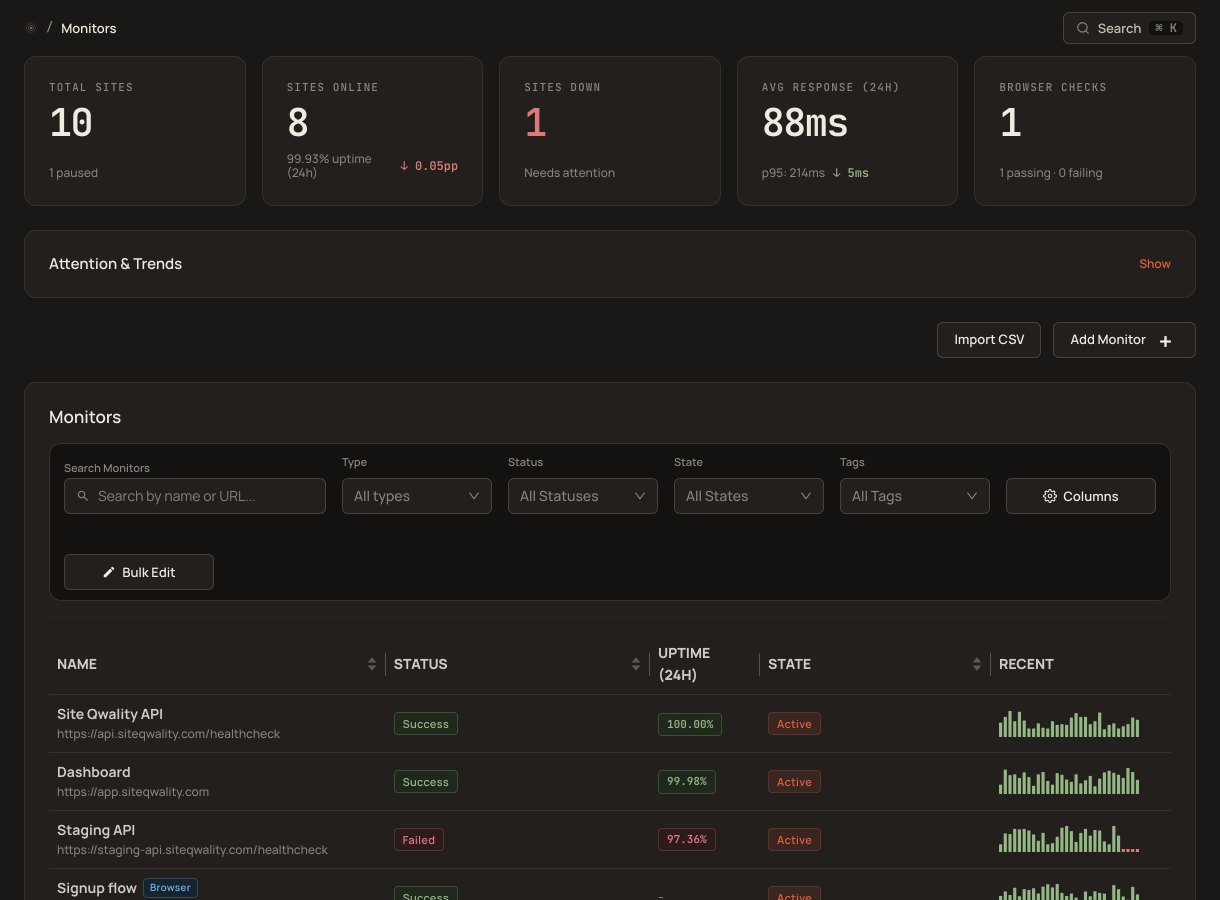
A status page that updates itself. Components mirror your monitor health in real time, incidents publish the moment you declare them, and subscribers hear about it through email after they confirm their address, with no manual copy-paste required.
Point a CNAME at us and serve your status page from status.yourdomain.com, fully branded, with no Site Qwality footprint unless you want it.
Model your infrastructure as components (API, web app, CDN, database), each with its own status that follows the monitors linked to it.
Post timestamped updates through Investigating, Identified, Monitoring, and Resolved. Your users see a clean timeline, not a wall of Slack messages.
Visitors subscribe with their email and confirm the address. We send an email when you post an incident update or a maintenance window. SMS, RSS, and webhook subscribers are not available yet.
Post a maintenance on the page to tell users what to expect, and subscribers get an email. You move it to in progress and then completed by hand; while it is in progress, the components it covers show maintenance instead of an outage.
Daily uptime bars and response-time percentiles (P50, P95, P99) give visitors a factual record of your reliability without them ever having to ask.
Link a component to a monitor and its status tracks your infrastructure automatically. A degraded component turns amber when response times spike; it goes back to green the moment the monitor recovers, with no human in the loop required.
Every status update or incident post triggers an immediate notification to everyone who confirmed an email subscription. Set up the page once and communication happens as a side effect of your normal incident workflow.
fastest check interval behind a status-page component
incident statuses, from investigating to resolved
of uptime history visible to every visitor
free tier, launch your first status page today
Yes. Add a CNAME record pointing to our servers and your status page is served from status.yourdomain.com (or any subdomain you choose). Custom domains are available on paid plans.
They can. Link a component to one of your monitors and it mirrors the monitor's health: degraded when checks fail, operational when they recover.
Email, after the subscriber confirms the address. SMS, RSS, and webhook subscribers are not available yet.
Create the maintenance on the status page itself. It shows as scheduled until you move it to in progress; then the components it covers show a "Maintenance" status rather than an outage, until you mark it completed. Maintenance windows that pause monitor alerts are a separate setting and do not appear on the page.
Yes. White-label mode removes all Site Qwality references. You can also add custom CSS, a custom OG image, and your own header and footer text for a fully seamless experience.
Uptime, cron, synthetic, logs, RUM, incidents, and status pages. Free tier on every product.