Presence and absence assertions
Assert that a keyword or phrase IS on the page, or that it is NOT. Both modes are supported on the same monitor.
Assert the presence or absence of any keyword, phrase, or regex pattern on any page, and get alerted the moment expected text vanishes or unexpected text appears. Content integrity, confirmed on every check.
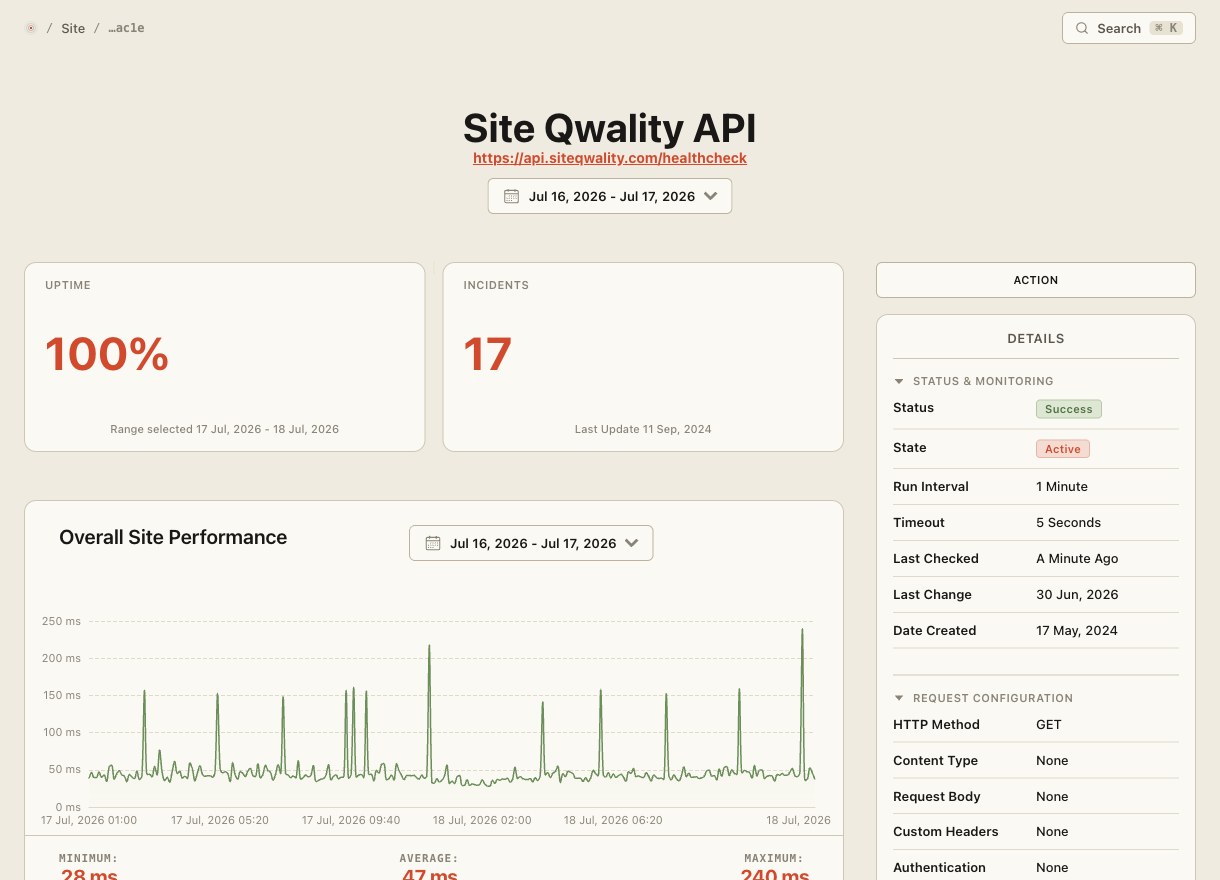
A page can return HTTP 200 while serving a defacement, a blank body, or a missing disclaimer. Keyword monitoring looks inside the response and asserts on what should (or should not) be there.
Assert that a keyword or phrase IS on the page, or that it is NOT. Both modes are supported on the same monitor.
Use regular expressions for pattern-based detection: email formats, credit card patterns, script-injection signatures, or version numbers.
Distinguish brand capitalisation from common words ("Apple" vs "apple") with optional case-sensitive mode per rule.
Detect unexpected content added by attackers or rogue deploys: spam links, malicious redirects, or injected script tags.
Route content-change alerts to Slack, Teams, email, SMS, or any webhook with the exact pattern that failed and the URL that served it.
Run keyword checks as frequently as every 30 seconds on critical pages, or less often on lower-priority content to manage usage.
Legal disclaimers, cookie banners, copyright notices, and trust badges can be removed by a bad deploy or a CMS change with no server error at all. Negative keyword monitoring treats their disappearance as a failure and alerts you before a compliance audit (or a customer) notices.
A fixed keyword misses the category of content you're actually worried about. Use a regular expression to detect any email address, any script-injection pattern, or any version string, and get an alert the moment the pattern matches (or stops matching).
fastest keyword check cadence available
assertion modes: must-contain and must-not-contain
full regex support on every monitor
free tier, no credit card needed to start
Presence monitoring (must-contain) alerts you if a keyword or pattern is NOT found on the page, which is useful for ensuring required text like a disclaimer stays visible. Absence monitoring (must-not-contain) alerts you if the keyword IS found, which is useful for detecting injected spam, malicious scripts, or prohibited content.
Yes. Patterns are treated as PCRE-compatible regular expressions when you enable regex mode. You can match entire categories of content (email addresses, script tags, URL patterns) rather than a fixed string.
For plain string rules, case-sensitive mode performs a literal case-sensitive comparison. For regex patterns, it maps to removing the PCRE case-insensitive flag, so your expression behaves as written.
Keyword assertions, including regex and absence rules, are included with every HTTP uptime monitor at no additional cost. You add rules when configuring the monitor and they run on every check.
On a 30-second cadence, a confirmed keyword failure typically reaches your chosen alert channel within about a minute, after the check is repeated and fails again. How many consecutive failures it takes is the confirmation threshold, and you set it per monitor.
Uptime, cron, synthetic, logs, RUM, incidents, and status pages. Free tier on every product.