Groups and direct messages
Send alerts to a shared group chat for team visibility, a direct message for personal on-call notifications, or both simultaneously.
Bot-delivered monitoring alerts sent to a Telegram chat you choose when a monitor goes down and when it recovers. Concise, and available on every plan at no extra cost.
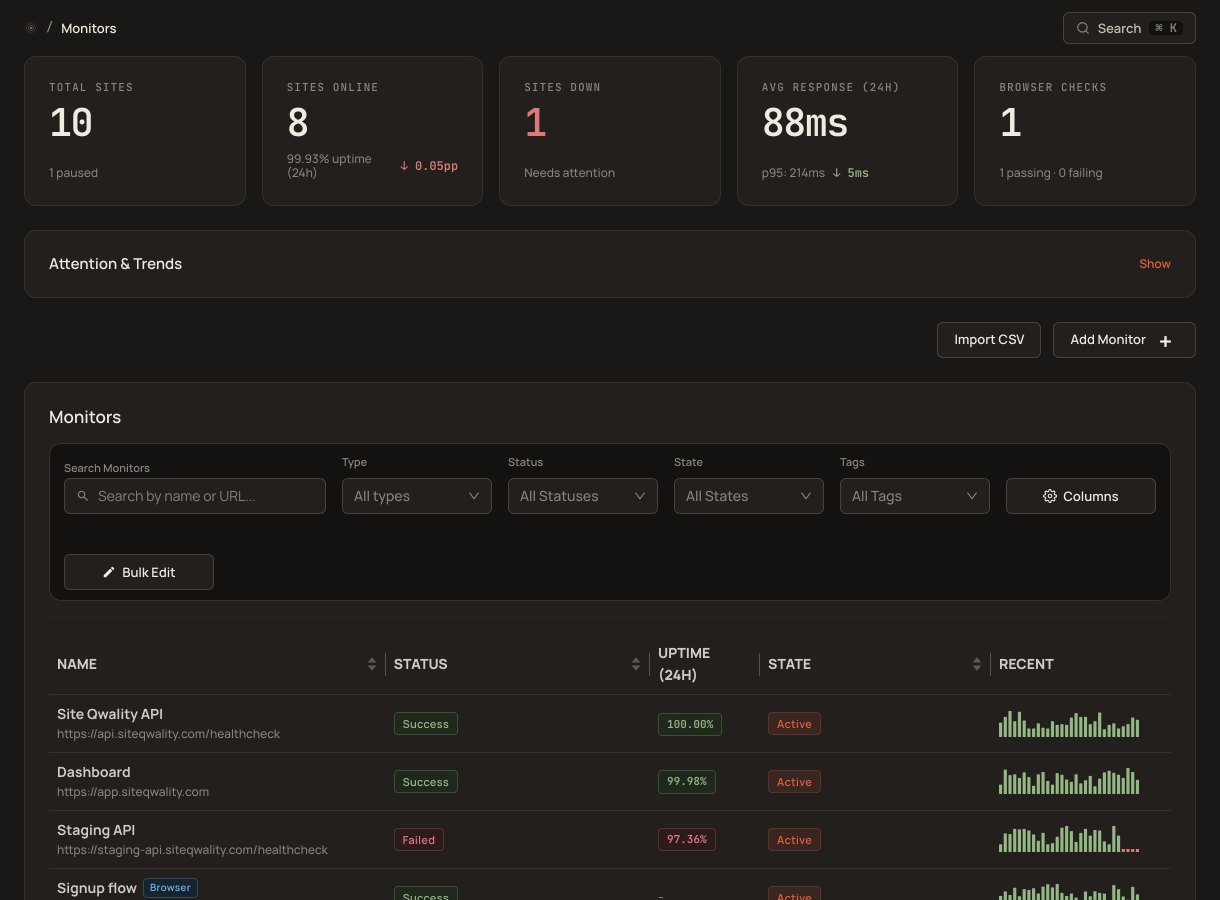
Telegram's bot API delivers messages to groups or individual chats on any device, with no app to install beyond Telegram itself, and no additional cost on any Site Qwality plan.
Send alerts to a shared group chat for team visibility, a direct message for personal on-call notifications, or both simultaneously.
You get a message when a monitor starts failing and another when it recovers, in the same chat, so the incident opens and closes in one conversation.
A recovery message is sent to the same chat when the monitor comes back up, with when the outage started, when it resolved and the total downtime.
Telegram is available on iOS, Android, desktop, and web, so alerts reach the device your team is currently on.
Route different monitors to different Telegram chats: critical monitors to the on-call group, everything else to a general chat.
You never create a bot and you never give us a token. Setup links your chat to the Site Qwality bot with a one-time code, and the only thing stored against your account is the Telegram chat id the bot resolves. Telegram is a recipient you choose, and Telegram processes the messages under its own terms.
When Site Qwality confirms a failure it hands the message to Telegram's bot API, which delivers it to the chat you linked. No mailbox to poll and no push-notification service in between. We do not publish a delivery time, because nothing in the product records one.
Start the Telegram setup in Site Qwality. It gives you a one-time code and a link to the Site Qwality bot. Open the link, which sends the code to the bot, and the chat is linked. There is no bot to create and no token to paste.
one-time code links a chat. The bot is ours
chats and groups you can connect
Telegram integration on every plan, including free
of plans include every notification channel
Start the setup in Site Qwality under Manage → Integrations → Telegram. It gives you a one-time code and a link to the Site Qwality bot. Open the link and press Start in Telegram, which sends the code to the bot and links that chat. To link a group instead, add the bot to the group and send /start@SiteQwality_bot followed by a space and the code. Back in Site Qwality, click Check, name the destination and save. The bot does not reply in Telegram. You never create a bot and you never paste a token.
Yes. Link each chat as its own integration and add both to a notification group, so the same alert goes to both chats.
A down message carries the monitor, the URL, the time and the failure reason. A recovery message carries the monitor, the URL, when the outage started, when it resolved and the total downtime.
Yes. When the monitor returns to healthy, a recovery message is sent to the same chat, with no manual action.
Yes. All notification channels, including Telegram, are included on every plan including the free tier.
Uptime, cron, synthetic, logs, RUM, incidents, and status pages. Free tier on every product.